
Dragon's Dogma 2 Patch Notes and Update Reference
Find official DD2 patch-note sources, review a verified free-update summary, and check platform, save and skill details before applying changes to your build.
On this page
Start with the official changelog
Open CAPCOM's update page or the official Steam news hub for publisher patch notices. Keep the publication date and platform next to the change you are investigating. A store launch announcement, DLC trailer or fan-reported issue is not a substitute for that notice.
This page is an update reference reviewed on October 12, 2026. The full CAPCOM update page returned an access restriction during this review, and the Steam hub did not expose a complete changelog in the available text. We therefore do not label any entry here as the latest complete patch or reproduce an unverified version number.
September 2, 2026: a verified official summary
CAPCOM France's September 2 announcement states that a free update was available and describes performance improvements, additional save slots and expanded weapon-skill assignment. Its short summary supports those categories of change.
It does not specify all platform build identifiers, every fix, an exact slot count or a full save-overwrite rule. Those details remain outside this page's coverage. A broad performance statement also does not promise a particular frame rate on your PC or console.
What to check after a save-system change
Read the current game's confirmation prompts and the publisher notes for your platform before loading an older rest state, replacing a character or starting a carry-over playthrough. Do not test a destructive operation with your only important save simply to resolve conflicting descriptions online.
Our save-system reference preserves a source conflict instead of presenting a universal recovery guarantee. A website checklist backup is separate from game saved data. Exporting the Dungeon Tracker or Collectible Tracker cannot recover an overwritten game campaign.
What to check after a skill or equipment change
Inspect the skills actually available and assigned in your installed game. The skills and augments reference distinguishes learning progress from active assignment, while vocation profiles describe equipment compatibility and role.
When reviewing an equipment claim, compare the same enhancement state and confirm the item source. The weapon catalogue contains selected base reference records, not an automatic feed of every balance adjustment. A dated news summary does not silently convert those values into a fully retested current-patch database.
Keep release news separate from patches
The announcements hub records selected publisher milestones, including expansion release context. The expansion update record follows that particular content's source trail. Neither a release date nor ownership of the expansion identifies which executable build is installed on every platform.
A useful personal update note includes the date, platform, build identifier where supplied, the exact changed system and the official link. Compare those details when two summaries disagree rather than assuming they describe the same patch.
Coverage and review limits
This is a curated route to official notes with one verified free-update summary. It is not a complete patch archive, a live status checker or a promise that a new notice will appear here immediately. The linked source page may require a normal browser visit when automated access is restricted.
Missing patch details remain missing. We do not fill that gap with guessed version labels, fixed skill-slot counts, performance benchmarks or lists of unnamed fixes. Read the source and the affected guide's own scope before acting on a change.
Sources & scope
- Official full update reference
- CAPCOM France free-update summary: September 2, 2026
- Official Steam news hub
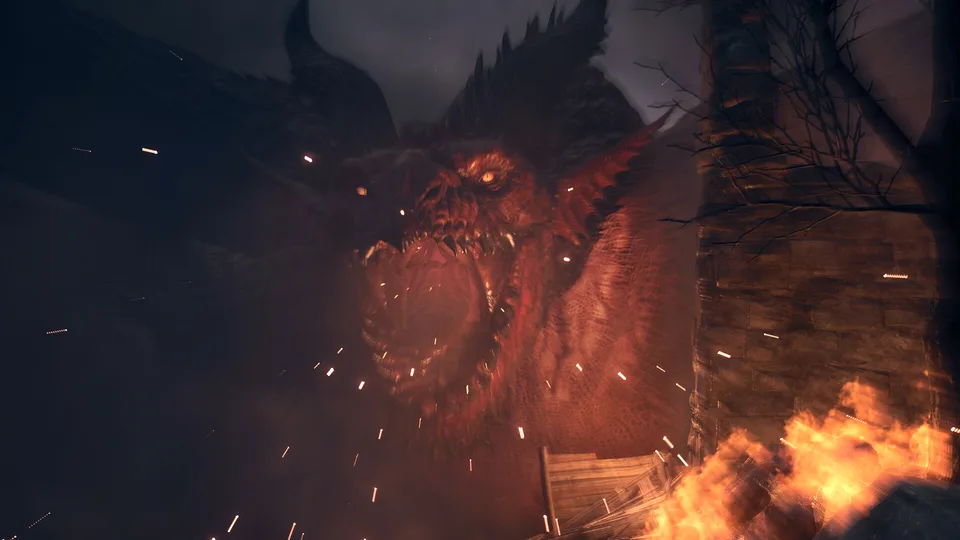
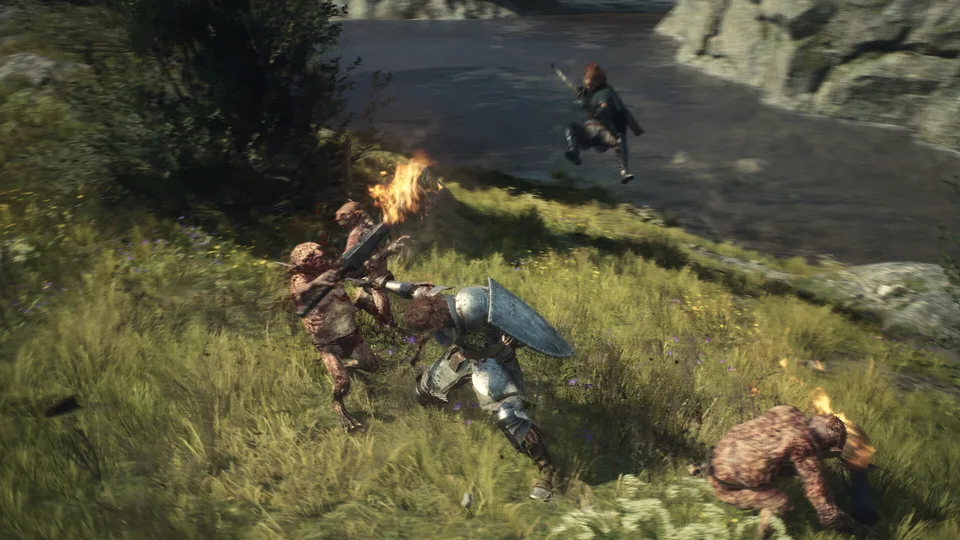
Images are official game promotional material, not proof of a verified route, loadout or item drop.
Continue exploring
Saves & New Game Plus
Understand the updated save types, conflicting overwrite guidance, new-character versus carry-over restart choices, and safe checkpoint checks.
Read guideSkills and Augments: Unlocks, Ranks and DCP
Separate weapon skills from passive augments, understand vocation ranks and review four source-linked augment examples with individual DCP costs.
Read guideDragon's Dogma 2 Official Announcements Hub
Browse dated CAPCOM announcements, identify release news versus game updates, and follow the matching DD2 guides without treating previews as patch notes.
Read guide
Dark Arisen: Official Release and Update Record
A dated record of CAPCOM’s expansion announcement, pre-launch systems update and launch confirmation, separate from unverified patch claims.
Read guide