
Dungeon Tracker
Use the personal dungeon checklist, understand its progress states, and export or safely replace browser-only records without a game-save connection.
- Data entered by
- You; no preloaded complete game database
- Capacity
- 250 entries; names 120 and notes 500 characters
- Persistence
- This website in this browser; export to move devices
On this page
Personal checklist. Add your own dungeon names and notes. This is not a complete in-game database, a map, or a game-save sync. Progress is stored in this browser; exports let you move it to another device.
0 of 0 personal entries completed.
Your checklist is empty. Add a dungeon above to start recording progress.
Import validates the file and asks for confirmation before replacing this checklist. New backups identify their checklist type. Dungeon and collectible checklists are saved separately. Completion and reward checkboxes are independent.
Add your own dungeons
Enter a Dungeon name and, optionally, a Personal note in the panel above, then use Add entry. A name can contain up to 120 characters, a note up to 500, and each checklist can hold up to 250 entries. These are website limits, not limits on the game's objects.
Give repeat trips distinct names, such as a first clear and a later material visit. Add an ordinary text note describing what you still need to check. The site does not supply a verified respawn timer or infer whether the entrance is accessible.
The list is intentionally user-entered. It does not read a character, import an official map or claim that every game location or object is already represented. Nothing needs to be purchased or connected to a game account.
What the progress indicator means
Use the completed checkbox for finishing the trial or route, and the rewards-collected checkbox for obtaining the loot you intended. The two states are independent: completing a dungeon does not automatically mark its rewards collected.
The progress count uses only entries currently in your personal checklist. A full bar therefore means you marked all of those entries, not that you completed all content in Dragon's Dogma 2. To correct a status, toggle the relevant checkbox. Removing an entry is immediate and there is no undo button; export a backup first when the record matters to you. There is currently no inline name or note editor.
Where your progress is saved
The list is stored in this browser's local storage for this website address. Other open tabs on the same address and browser profile can receive changes; returning to the tool also reloads saved progress. This is not automatic synchronization between different browsers, profiles, devices or domains.
Clearing this site's browser data can remove the checklist. Do not rely on private browsing to retain it. When browser storage is unavailable, the tool displays a warning and retains new work only for the current session; export it before leaving. See the privacy notice for the actual storage behavior.
Export before moving or replacing data
Use Export backup to save a JSON file containing this checklist. Keep the file somewhere you can find later, and export again after important changes. It contains your names, notes and completion states, not game saved data, passwords or a character inventory.
The other personal tracker uses a separate store and backup type. Export both lists separately to move both to another browser. A backup of this tracker cannot recover deleted game progress.
Import, review and confirm
Choose a JSON file with Import backup. A valid selection opens Review backup import; choosing the file alone does not replace your current list. Inspect the preview, then select Confirm replacement to replace the entire current checklist, or Cancel import to keep it unchanged. Import is replacement, not an automatic merge.
Files larger than 200,000 bytes, more than 250 entries, unsupported versions, invalid fields, duplicate identifiers or a different tracker type are rejected. Older version-1 backups without a type receive a warning before confirmation. Verify their contents carefully because the file itself cannot prove which tracker originally produced it.
Keep the records useful
After import, check the visible names and statuses before continuing. For a fresh playthrough, exporting the current list and clearing records deliberately is safer than assuming a game restart also resets this website. The site never tracks game events automatically.
Use the Lost Rites overview for the partial source-reviewed trial conditions and route checklist for journey preparation. This help describes the implemented controls, not a promise of future map or save integration.
The control names and limits above describe this site’s implementation. The external references explain browser storage; they do not document in-game progress or certify a complete game database.
Sources & scope
- MDN: browser storage, origin scope and private sessions
- MDN: same-origin storage changes between documents
Images are official game promotional material, not proof of a verified route, loadout or item drop.
Continue exploring
Dungeons & Caves
Browse directory →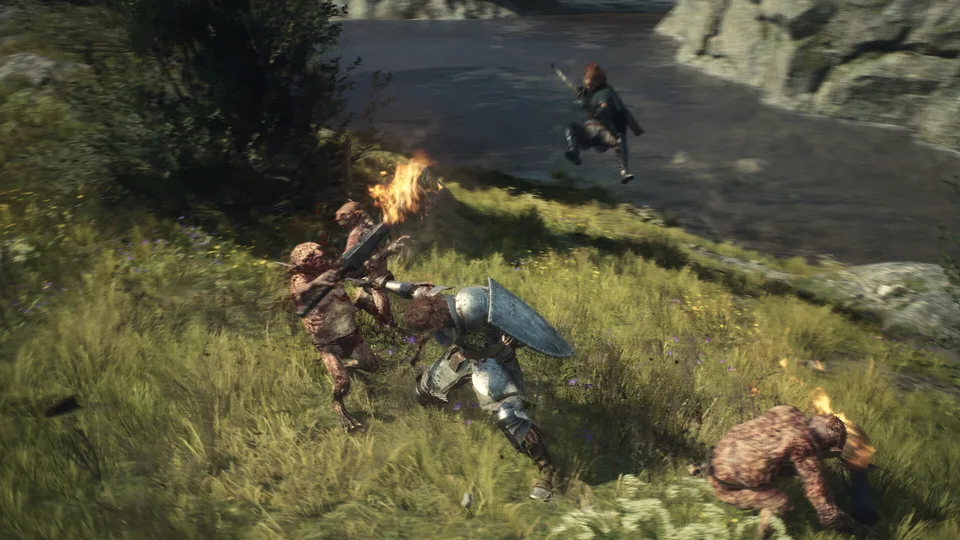
Dungeon Routes: Sealed Mining Shaft Entrance Example
Use a documented Sealed Mining Shaft approach to separate a dungeon entrance, a barred gate and a completion goal, with a practical personal route checklist.
Read guideMaterial Farming: Six Sources and an Upgrade Checklist
Find documented sources for Cyclops and Griffin materials, Sunstone and Wyrmslife Crystals, then plan a run from the actual enhancement requirement.
Read guide