
Planning Your Next Journey
Turn an equipment source or quest objective into an outward route, a supply check and a return plan without assuming every destination is fast travel.

On this page
Define one useful objective
Start with a specific task: reach a named vendor, inspect an equipment source or complete a quest objective. Write down the condition that would count as success. A request to buy a weapon is different from a request to visit the town where one can be sold.
Use the weapon reference to identify a source, then check the game’s map and current quest information. This guide does not infer coordinates or a shortest path from a location name.
Separate transport from the final approach
An activated Portcrystal can be a Ferrystone destination; an oxcart follows a route and may offer a stopover. Neither implies that every cave or quest marker is directly reachable through the same transport. Use the fast-travel reference for the actual rules.
Our suggested route note contains three parts: how to leave your current settlement, how to reach the objective from the arrival point and how to return. This is a planning template, not a precomputed map.
Check the party before departure
Inspect the equipment actually equipped, relevant supplies and each companion’s job. Decide what you will do if a Pawn is incapacitated rather than discovering the revival interaction in the middle of a difficult route. The Pawn reference distinguishes revival from ordinary recovery.
For an escort or an encounter source, treat the objective itself as a separate preparation problem. Being able to reach an entrance is not evidence that the encounter beyond it is appropriate for your current setup.
Record uncertainty without turning it into a rule
A useful personal note might say that you have not yet checked a door, vendor or quest condition. Do not turn an observation from one visit into an invented universal requirement. For example, a shop not listing an item during your visit does not by itself establish a permanent removal from the game.
The personal Dungeon Tracker can store your destination and note. Completion and rewards are separate checkboxes, so reaching the end does not automatically mark everything collected.
Finish with the next actionable step
After the trip, record what remains: a missing item, an unresolved objective or another condition to inspect. Update the original note instead of creating several conflicting versions of the same destination.
The website’s source-linked data helps identify places to investigate. It does not read your save, know your current map unlocks or guarantee that an older published route remains unchanged after a patch.
Frequently asked questions
Does the Dungeon Tracker contain a verified route to every dungeon?
No. It stores your own checklist entries and notes; it does not supply an automatic route or game-save progress.
Is a vendor listed in the equipment table always the nearest option?
No. The table records documented sources, not your position, unlocked travel points or current route.
Sources & scope
- CAPCOM manual: Portcrystal destinations
- CAPCOM manual: oxcarts and stopovers
- CAPCOM manual: Pawn revival
Images are official game promotional material, not proof of a verified route, loadout or item drop.
Continue exploring
Fast Travel: Ferrystones, Portcrystals and Oxcarts
Activate destinations, understand the portable Portcrystal limit and use oxcart departures or stopovers without mistaking travel for a safe teleport.
Read guide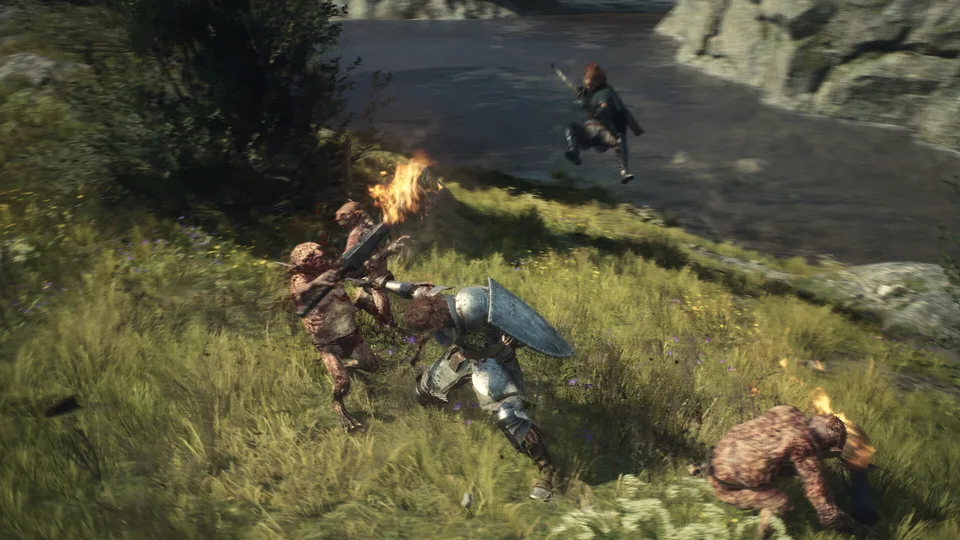
Weapons: Named Items and Acquisition Sources
Compare twenty-six named weapons with unenhanced reference attributes, vocation compatibility, documented vendors and other acquisition sources.
Read guideDungeon Routes: Sealed Mining Shaft Entrance Example
Use a documented Sealed Mining Shaft approach to separate a dungeon entrance, a barred gate and a completion goal, with a practical personal route checklist.
Read guideDungeon Tracker
Use the personal dungeon checklist, understand its progress states, and export or safely replace browser-only records without a game-save connection.
Read guide